How to See Your Competitors' Facebook Ads
You can see every Facebook ad a competitor is running right now. It is public, it is free, and you do not need an account to look.
The tool is the Meta Ad Library. Most people open it once, scroll for ten minutes, screenshot two ads they like, and never come back. That is a waste, because the library can answer better questions than "what do their ads look like?"
This guide covers the steps to find a competitor's ads, what to look for once you have them, and how to keep track of changes without rebuilding the search every week.
How do you find a competitor's Facebook ads?
Here is the manual route, start to finish.
- Open the Ad Library. Go to facebook.com/ads/library. You can search without logging in.
- Pick a country. Choose the market your customers live in. "All" works, but one country keeps the results short and relevant.
- Leave the category on "All ads." The other categories (issues, elections or politics, housing, employment, financial products and services) narrow the search to special ad types. A normal brand wants "All ads."
- Type the brand name. Meta shows matching Pages first. Pick the right one by checking the profile picture and follower count. Same-name Pages are common.
- Read the results. You are now looking at the ads that Page is running across Meta's products.
- Narrow with filters. The filters cover active status, platform, media type, language and start date. Meta changes the layout now and then, so the labels may look slightly different when you open it.
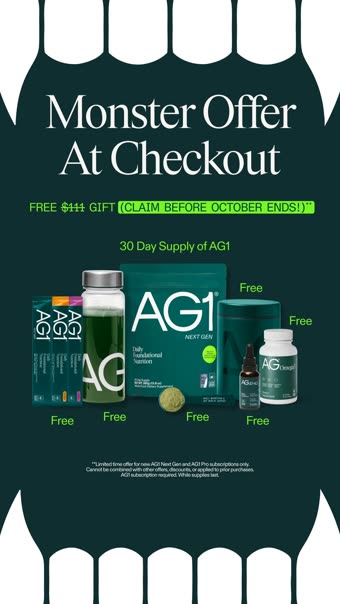
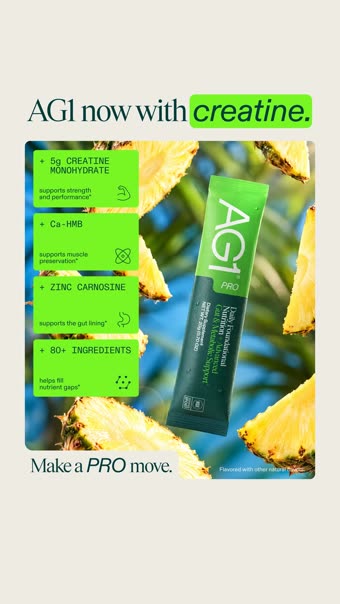
Try it with a brand you know. Open the Ad Library and search for AG1. You will see how many ads one company can have live at once, and how many of them say nearly the same thing.
Check for more than one Page
A brand often runs ads from several Pages. A parent company may have one Page for the main product and others for individual products, regions or creators. If the brand is a serious advertiser, repeat the search for each Page you can find.
You can also search by keyword instead of by brand. Search for a phrase from the product category, such as the thing the product claims to fix, and you will see ads from companies you have not thought of yet. Meta does not translate your search, so write the term in the language the ads use.
What does each ad tell you?
Click into an ad and you get a small set of facts. They are plain, but they add up.
- The creative. The image, video or carousel, plus the primary text, headline and call-to-action button.
- Status and start date. Whether it is active, and when it started running.
- Platforms. Facebook, Instagram, Messenger, Audience Network, or a mix.
- A Library ID. A permanent number for that ad. Save it, because it is the easiest way to find the ad again.
- Multiple versions. Some ads show that the advertiser is running several variations (different copy, cards or call-to-action buttons) together.
- The advertiser. A link back to the Page and everything else it runs.
For ads delivered in the EU, Meta also shows extra detail such as reach and targeting choices. For ordinary commercial ads elsewhere, you will not see spend or performance numbers. We come back to that below.
What should you look for?
Most people look at design. Design is the least useful signal. These are better.
1. How long each ad has been running
An ad that has been live for 90 days is telling you something that an ad that went live yesterday is not. Advertisers tend to switch off ads that lose money. An ad that survives for months is, at the least, not being killed. It is an inference, not proof, but it is the best public one you have. We wrote a full guide on finding the longest-running Facebook ads.
2. What is repeated
If you see the same promise in a static image, a UGC video and a carousel, the advertiser has decided that promise matters. Count how many ads share one message. Then look for the one message that keeps coming back across formats.
3. Where the ads send people
Click the call-to-action button and read the landing page. Is it a product page, a quiz, a long-form page, a bundle? Does the headline on the page match the ad? A dedicated page built around one ad's promise usually means the advertiser put real work behind it.
4. The offer
Note what they lead with: a discount, a free trial, a guarantee, free shipping, a bundle. Then check whether it changes between ads. A brand that leads with a trial in half its ads and a discount in the rest is testing which one works.
5. The format mix
Count how many ads are video, image or carousel. Note video length, whether people appear on camera, and whether the footage looks native or produced. A shift in the mix over a few weeks is worth writing down.
If you want a repeatable way to do this, use the checklist in our competitor ad analysis framework.
What can you not see?
Three limits matter, and knowing them stops you from over-reading what you find.
You cannot see spend. Meta shows spend ranges and impression ranges only for ads about social issues, elections or politics. A commercial ad does not show what the advertiser paid or what it returned. Nobody outside the advertiser can tell you a competitor's return on ad spend, and tools that claim to are estimating.
You mostly cannot see ads that have stopped. For ordinary commercial ads, the library shows what is running now. Ads about social issues, elections or politics stay visible after they stop, for seven years. Ads delivered in the EU stay for one year after their last impression. Everything else disappears when the advertiser turns it off.
Meta does not group copies for you. If an advertiser runs 15 ads with the same idea and tiny changes, you see 15 ads. Working out that they are one idea is on you.
The last two limits are the reason that a single visit to the library is a snapshot. The interesting part is the change between snapshots.
How do you track competitor ads over time?
You can do it by hand. It works for one or two competitors and falls apart at five.
- Keep a spreadsheet with one row per competitor and one tab per week.
- Each week, open the Ad Library for each Page and filter to active ads.
- Record the Library IDs of new ads, plus the format, the main message and the landing page.
- Note which Library IDs from last week are gone. Those are the ones the advertiser turned off.
- Take a screenshot or download the creative for anything worth keeping, because the ad will vanish when it stops.
The last step is the one people skip, and it is where manual tracking leaks the most. When the ad stops, the evidence goes with it.
What Seercraft does instead
We built Seercraft to do this loop for you. You add the brands you compete with and it tracks them in the public Meta Ad Library, across Facebook, Instagram, Messenger and Audience Network. It checks every day and keeps the history after ads stop, so the ad you wanted to look at last month is still there.
It also groups copies of the same creative into one idea with a version count, so 15 near-identical ads show up as one idea with 15 versions. You see what a competitor is actually betting on, not a wall of duplicates.
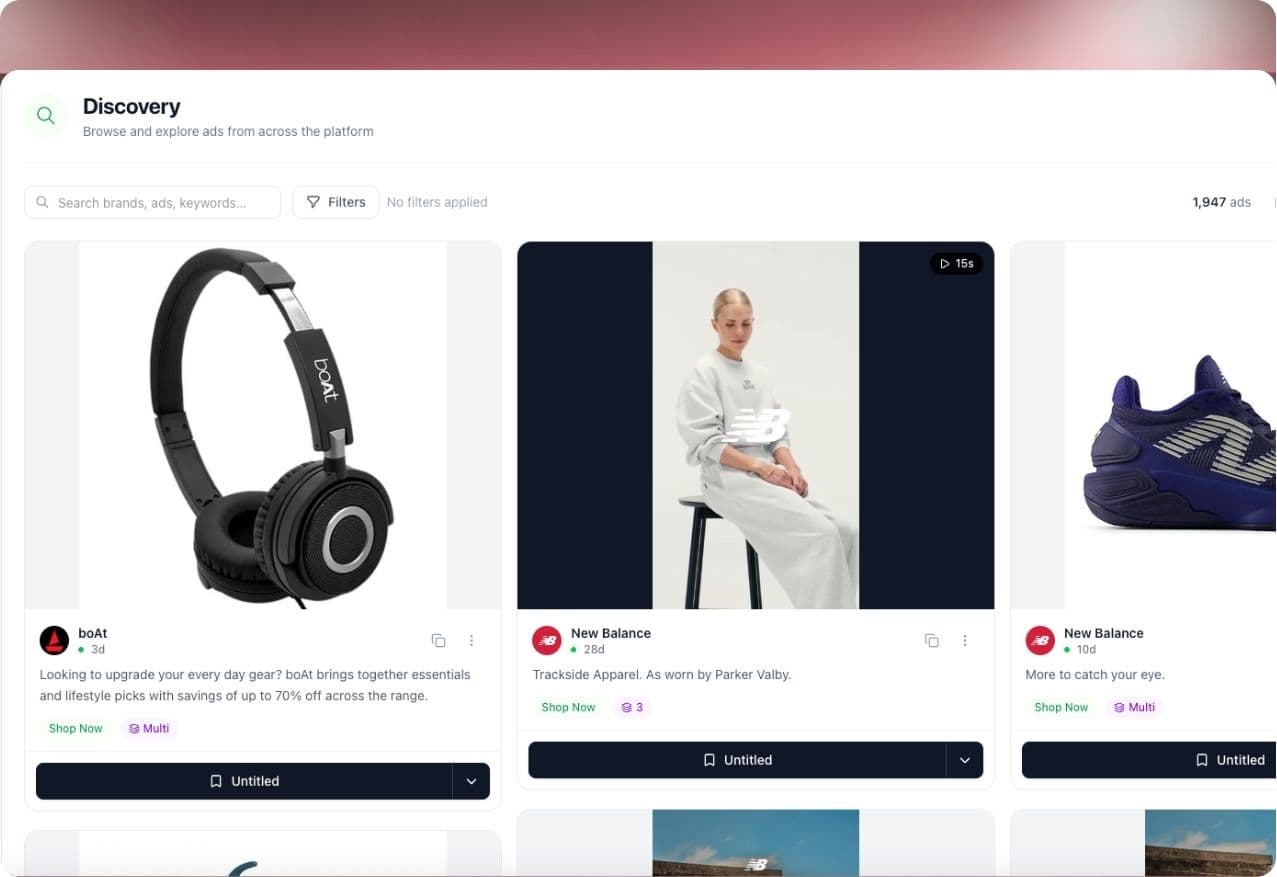
When you want a second opinion on a brand, Seer, our AI analyst, writes a cited read of what it is doing. Every claim links to the ads behind it, and anything that is an inference is labelled as one. If you want to search the library itself faster than the manual route, Discover sorts ads by how long they have run.
Seercraft does not show competitor spend or ROAS. Nobody outside Meta can get those numbers for commercial ads, so we do not pretend to.
If you are comparing options, see how Seercraft differs from the Ad Library on its own.
A simple first hour
If you have never done this, give yourself an hour.
- Pick three competitors.
- Find each Page in the Ad Library and filter to active ads.
- For each one, write down the three ads that have run longest, the main message in each, and the landing page.
- Write one sentence per competitor: "They keep paying for ___."
- Compare the three sentences. Whatever overlaps is what the category believes.
That one sentence per brand is more useful than a folder of 200 screenshots.
Sources
- Meta Ad Library API: Ads Archive reference (Meta for Developers)
- Archived Ad reference, fields (Meta for Developers)
- What is the Meta Ad Library and how do I search it? (Meta Help Center)
- Meta Ad Library tools (Meta Transparency Center)
- Meta Ad Library: how to find any brand's ads and read what it shows (Adsap)
- Meta Ad Library: How to Use (Mida)
Add a competitor and start your free trial. Every subscription includes a 7-day free trial; see our pricing page for current plans and limits.