Meta Ad Library Guide 2026: Filters, Fields, Limits
The Meta Ad Library is the only official, public window into the ads running on Facebook, Instagram, Messenger and Audience Network. We read it all day, because the product we run, Seercraft, is built on top of what it shows.
That gives us a clear view of what it does well and where it stops. This is the guide we wish had existed when we started: what is in the library, what each field means, which ads you can and cannot see, and where the API fits.
Everything here was checked against Meta's own documentation in October 2026. Where we could only find a third-party source, we say so.
What is the Meta Ad Library?
It is a searchable archive of ads across Meta's products. Meta describes it as a place to search for ads running across its products. You open it at facebook.com/ads/library, pick a country, and search by keyword or advertiser. You do not need to log in.
Two things set it apart from a normal ad feed. You see ads regardless of whether you would be targeted by them, and you see the advertiser behind each one.
Which ads are in it?
This is the part people get wrong, so read it twice.
- All active ads. Any ad currently running across Meta's products can be searched.
- Social issue, election and political ads, active or not. These stay in the library after they stop. Meta's help page says it stores them for 7 years, and shows extra information such as who paid for the ad, a spend range and reach across demographics.
- Ads delivered in the EU. Meta's Ad Library tools page says ads delivered in the EU and associated territories are archived for one year after their last impression.
- Everything else is only there while it runs. An ordinary commercial ad aimed at the US, India or Brazil leaves the library when the advertiser turns it off.
That last point is why people say the library "forgets." It is working as designed. It is a transparency tool, not a historical archive of commercial advertising.
One more note from Meta's help page: ads can be removed for serious Community Standards violations or in response to a valid government request. If an ad you remember is gone, that is one reason it might be.
What filters does the library have?
The layout changes now and then, and Meta's help pages for the interface did not load for us, so check the live page. These filters come from Meta's API reference and from the guides listed in Sources.
- Country. The country the ad reached. Pick one for cleaner results.
- Ad category. All ads, or one of the special categories: issues, elections or politics, housing, employment, and financial products and services.
- Active status. Active, inactive or all. Inactive results only appear for the ad types that Meta keeps (political and issue ads, and ads delivered in the EU).
- Platform. Facebook, Instagram, Messenger, Audience Network. The API also lists WhatsApp, Threads, Oculus and streaming services.
- Media type. Image, video, meme or no media.
- Language. The language of the ad's text.
- Start date. Ads that started before or after a date.
You can search on the text of the ad, text in images, audio from videos and the call-to-action button. Meta does not translate your search, so write it in the language of the ads. A space between words is treated as "and." There is also an exact-phrase option.
What does each field mean?
When you open an ad, these are the pieces you see.
Library ID. A numeric ID for the ad. Save it. It is how you refer to a specific ad later.
Status and start date. Whether the ad is currently active, and when delivery began. In Meta's API documentation, the start time is when an advertiser wants to start delivering the ad. This is the field you use to judge how long something has been running. See our guide to finding the longest-running ads for how to use it and where it misleads.
End date. Only present if the advertiser set a stop time. If it is blank, the ad runs until the advertiser stops it or the budget is spent.
Platforms. Where the ad appears.
Multiple versions. Some ads run with several variations or carousel cards, each with its own text. Meta groups these under one ad. This is the closest thing the library has to showing you a test.
Creative and copy. The image or video, plus the primary text, link title, description and caption. The call-to-action button is included, and so is the link the ad sends people to.
Page. The advertiser. A single brand can run ads from several Pages.
What extra data comes with EU ads?
This comes from the Digital Services Act. Article 39 requires very large online platforms that show ads to keep a public, searchable repository, available through APIs, and to keep each entry until one year after the ad was last shown. The required fields include the ad's content, who it ran on behalf of, who paid, the period it ran, whether it targeted specific groups and the main targeting parameters, plus total reach.
In Meta's API reference, the EU-specific fields look like this:
- Estimated total reach across the EU.
- Reach broken down by age, country and gender for the UK and EU.
- Targeting choices (ages, gender and locations included or excluded) for the UK and EU.
- Reported beneficiaries and payers for ads delivered to the EU.
What this does not give you is spend or impressions for commercial ads. Those fields exist only for social issue, election and political ads. One more change worth knowing: Meta stopped delivering social issue, electoral and political ads in the EU on 6 October 2025, according to coverage of its announcement, so you will not find new ones there.
What is in the API, and what is not?
Meta offers the Ad Library API, and developers hear about it first. The short version: it is built for transparency research, not for competitor research on commercial ads.
- Ads that did not reach any location in the EU are only returned if they are about social issues, elections or politics. That rules out most of what a US or Indian marketer wants to look at.
- Spend, impressions and demographic distribution are only returned for political and issue ads.
- Every call needs a country. Search terms are capped at 100 characters, and you can pass up to ten Page IDs at once.
- There is no batch download of creative. Meta's documentation says you can download the creative of an individual ad for analysis, and must follow its data storage terms.
- Requests are rate limited. Meta's error code 613 is the one you will see when you hit the cap.
We wrote a longer breakdown in the Facebook Ad Library API guide.
What the Ad Library will never show you
Be clear about this before you build a process on top of it.
- Spend or return on ad spend for a commercial ad. Not shown. Anyone quoting a competitor's ROAS is guessing.
- Performance numbers. No clicks, conversions or cost per result.
- Targeting for most ads. Targeting is shown for EU and UK delivery, not for a US campaign.
- History for commercial ads. Once an ad stops, it leaves, except where the rules above keep it.
- A grouped view of ideas. You see ads, not the idea behind five near-identical ads.
What you can read is how long an ad has run, how often a message is repeated, and what a brand keeps paying for. That is enough to learn a lot, as long as you treat each of these as a signal and not a fact about results.
Where Seercraft fits
The library is a good starting point and a poor workflow. It shows you the present, it does not group copies, and it does not keep what disappears.
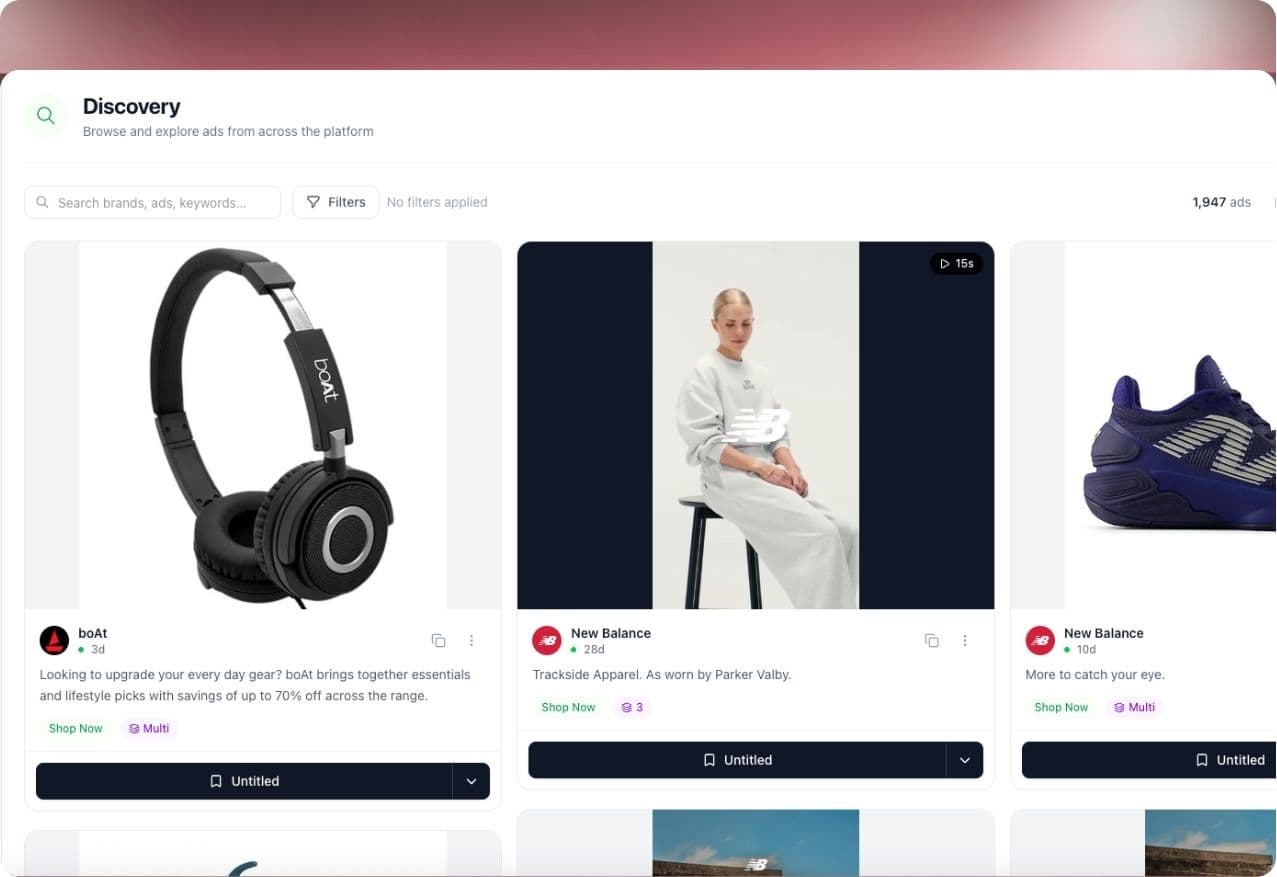
Seercraft tracks the brands you compete with in the public Meta Ad Library, checks them daily, and keeps the history after ads stop. It groups copies of one creative into a single idea with a version count. Discover lets you search the library sorted by how long ads have run, and boards keep the ad media so a saved ad does not break when the original is gone.
Seer, our AI analyst, writes a cited read of each brand. Every claim links to the ads behind it, and inferences are labelled. For a direct comparison with using the library alone, see Seercraft vs the Meta Ad Library.
Sources
- Meta Ad Library API: Ads Archive reference (Meta for Developers)
- Archived Ad reference, fields (Meta for Developers)
- What is the Meta Ad Library and how do I search it? (Meta Help Center)
- Meta Ad Library tools (Meta Transparency Center)
- Digital Services Act, Article 39 (EUR-Lex, Regulation 2022/2065)
- Meta blocks political ads in EU as TTPA regulation takes effect (PPC Land)
- Meta Ad Library: how to find any brand's ads and read what it shows (Adsap), for interface filters
- Meta Ad Library: How to Use (Mida), for interface filters
Add a competitor and start your free trial and see their ads, grouped and dated, in a few minutes. Every subscription includes a 7-day free trial; see our pricing page for current plans and limits.